



The Cursor AI coding tool has expanded well beyond AI-assisted code generation and editing. It now combines local Coding Agents, Cloud Agents, and Cursor Origin, its own Git code hosting layer. Origin began rolling out in Early Beta to paid users on August 17, 2026. Developers can host Git repositories directly in Cursor or sync existing GitHub repositories without migrating them. With GitHub Sync, GitHub remains the source of truth, while Git history, branches, tags, code, and pull requests can be synchronized. GitHub Issues, Actions workflows, and Secrets are not currently synced.
What Is the Cursor AI Coding Tool?
Cursor is an AI coding tool built around Coding Agents that can understand a codebase, edit multiple files, run terminal commands, fix errors, and let developers review changes through diffs before accepting them.
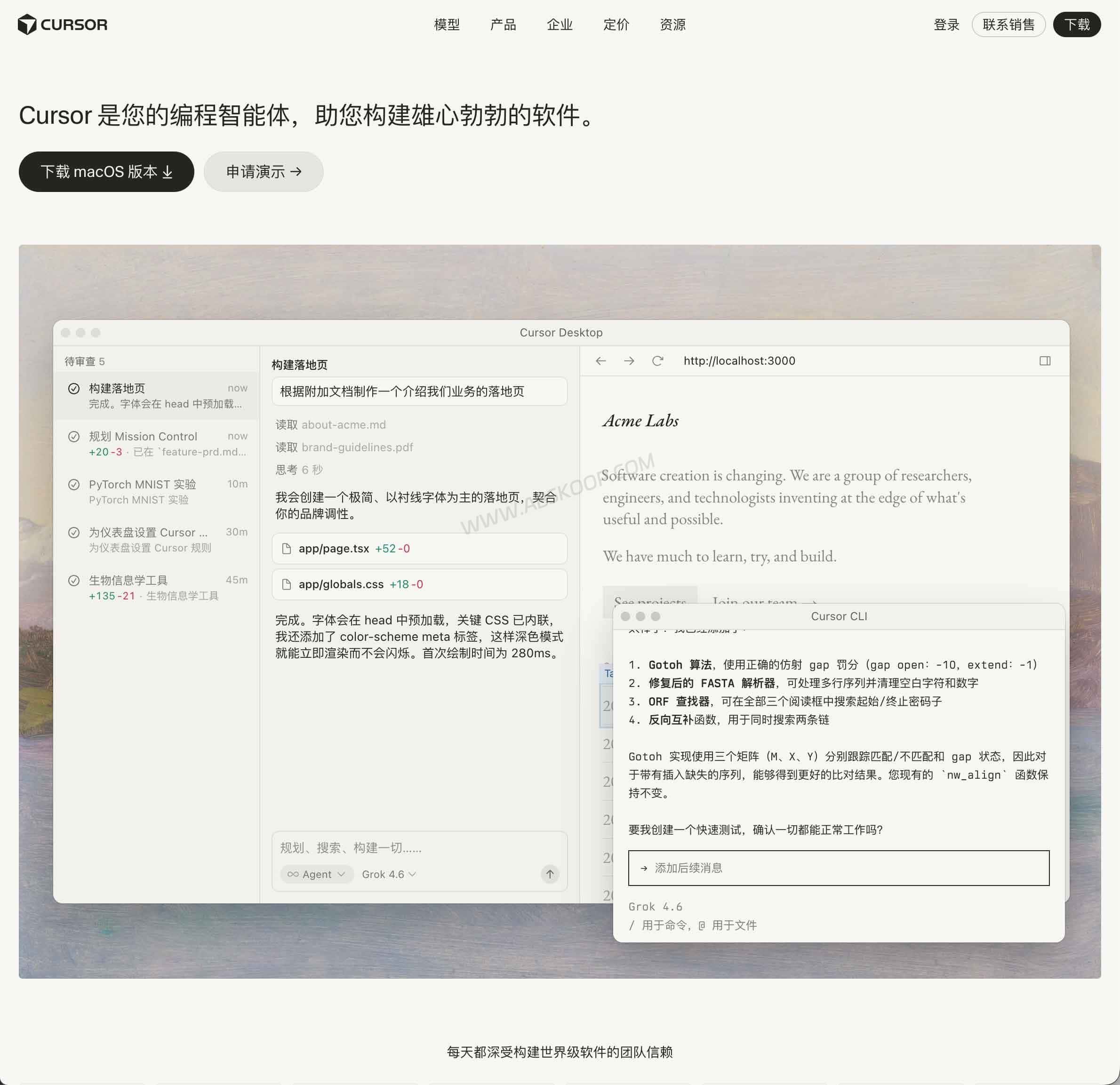
Cursor initially became popular as an AI-powered code editor that placed code generation, explanation, and editing directly inside the development environment. A common early workflow was asking an AI model to generate or modify a specific section of code without leaving the editor.
The current product goes much further. Cursor has evolved from an AI-assisted editor into a broader Agent-based development environment.
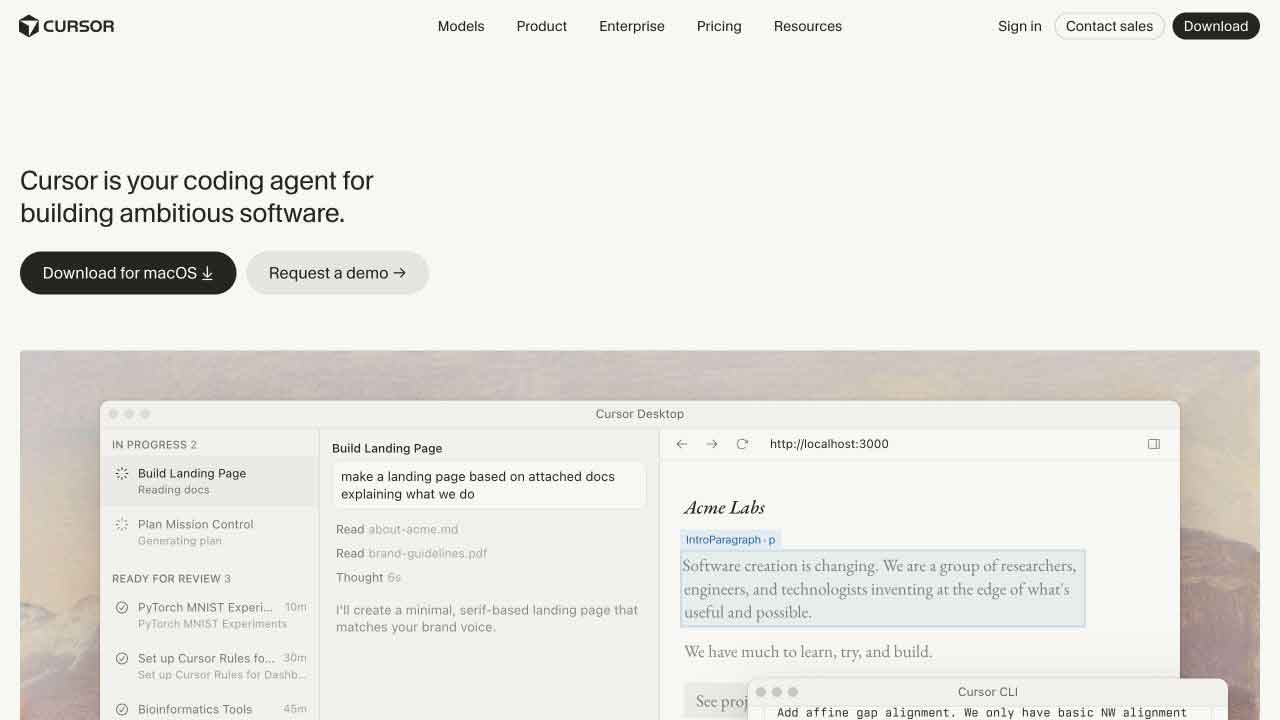
For tasks such as multi-file refactoring, bug fixes, or implementing a complete feature, a Cursor Agent can search the codebase, identify relevant files, make changes across the project, run commands, and inspect the results. Developers no longer have to manually copy individual AI-generated code snippets into each file.
Cursor is available on macOS, Windows, and Linux. Its Agent capabilities also extend beyond the desktop editor to the CLI, web interface, Cloud Agents, and integrations with development tools such as GitHub, Slack, and Linear.
What Can Cursor Agents Do?
Cursor Agents can work across an entire repository rather than responding only to the file currently open in the editor. They can search files, collect relevant context, modify multiple files, run terminal commands, inspect results, and continue fixing problems based on what they find.
That makes Cursor closer to an Agent-driven development environment than a traditional AI autocomplete tool.
Coding Agent Inside the IDE
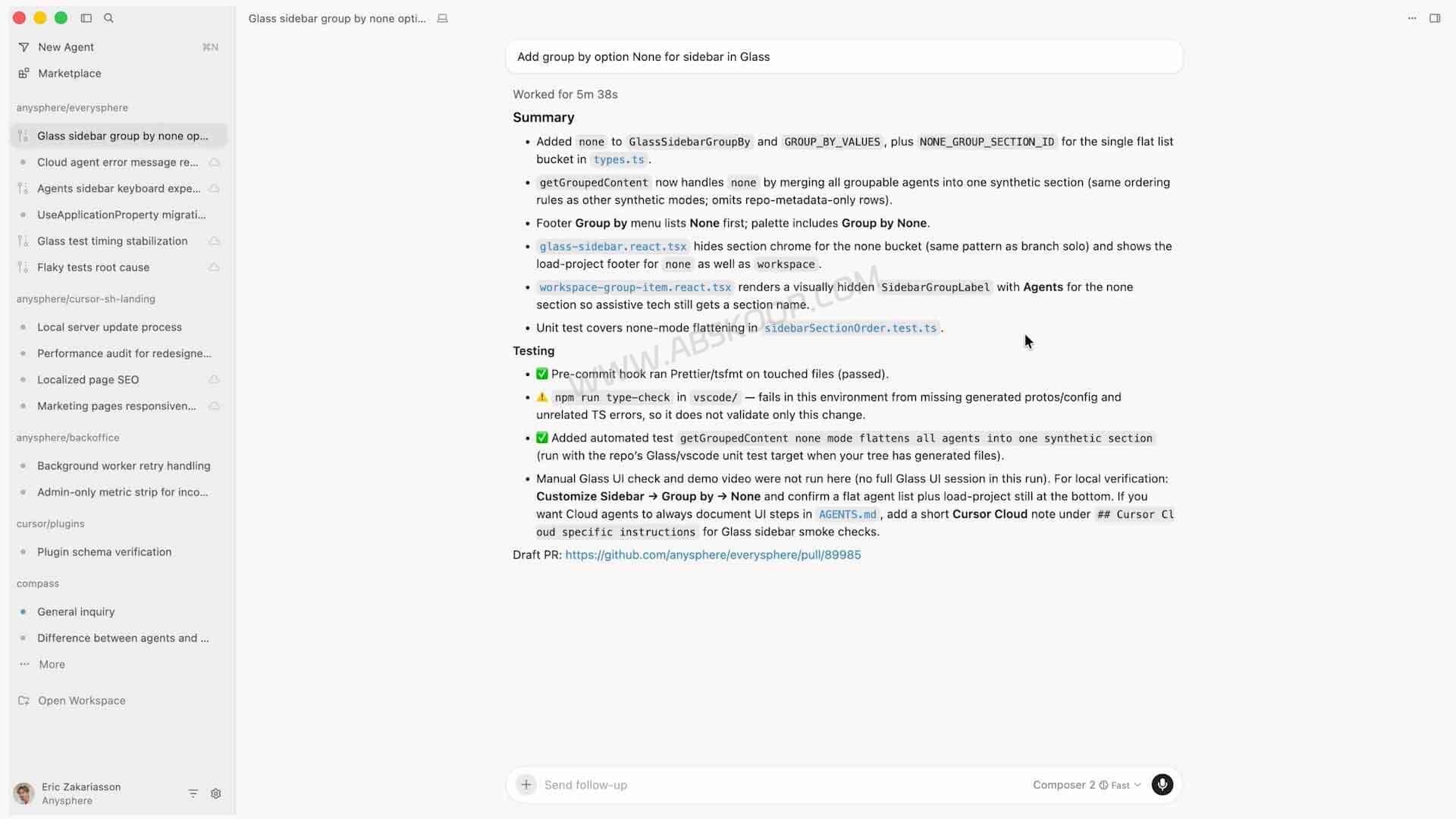
The local Coding Agent works directly inside the current development project. It can search the repository, read relevant files, edit multiple files, and execute terminal commands using the local environment.
For example, if a feature requires changes to a frontend component, an API endpoint, and several type definitions, the Agent can locate those files and update them as part of the same task.
Once the work is complete, developers can inspect the changes through Cursor’s Review and Diff interfaces before deciding whether to keep or reject them.
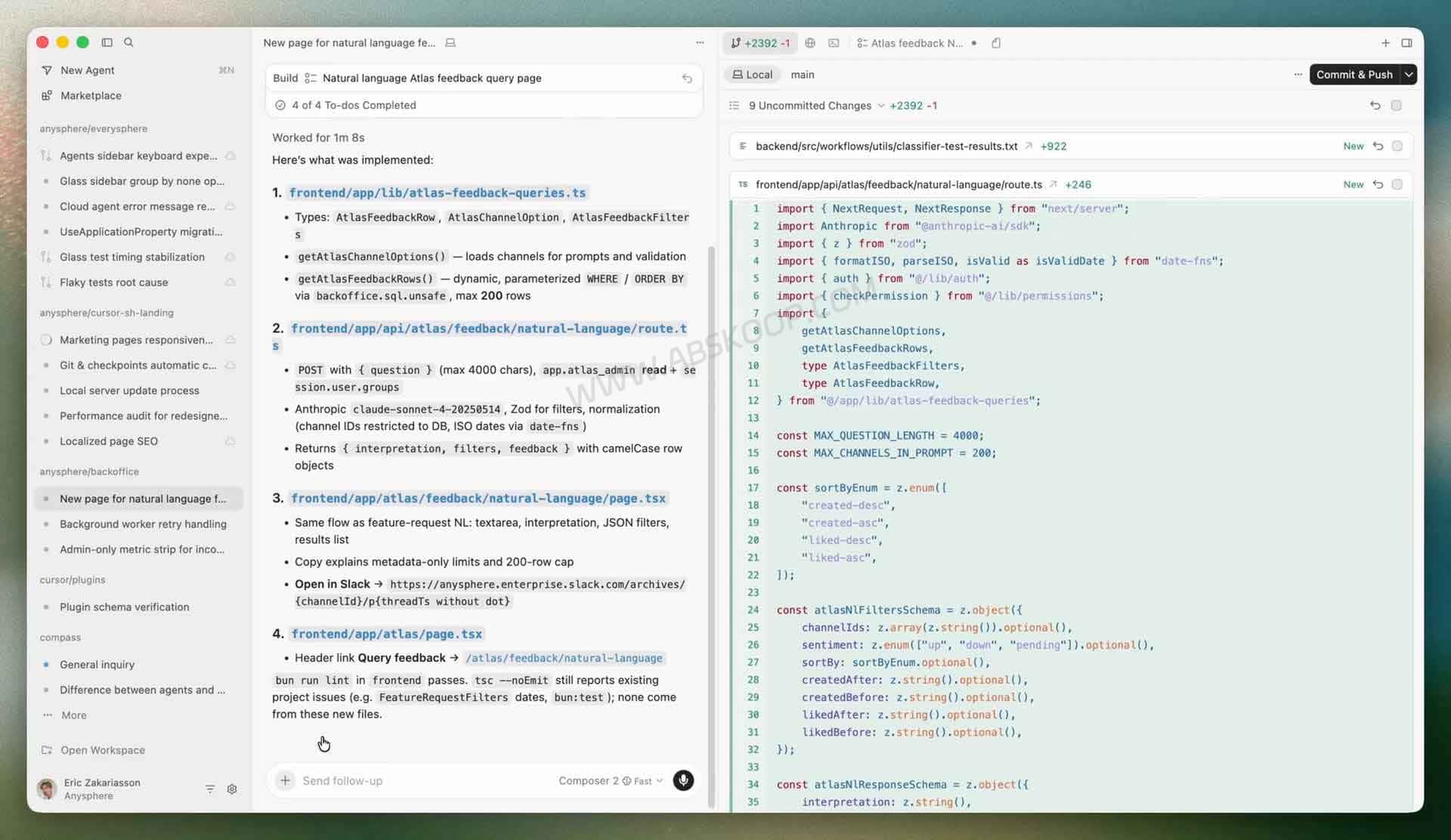
This workflow is more useful for repository-level work such as multi-file refactoring, debugging, feature development, and understanding an unfamiliar codebase than for generating a single isolated code snippet.
Cursor Cloud Agents
Cloud Agents move coding tasks from the developer’s local machine into a remote development environment.
A Cloud Agent can prepare its environment, access the repository, modify code, run tests, inspect failures, and continue adjusting its implementation based on the results.
This is particularly useful for longer-running or relatively independent tasks, including fixing a well-defined bug, adding tests, investigating CI failures, or running several development tasks in parallel.
Cursor can also hand off work from a local session to a Cloud Agent. A developer can define the requirements and implementation direction locally, then let the cloud environment continue executing the task without keeping the local workspace occupied.
What Is Cursor Origin Code Hosting?
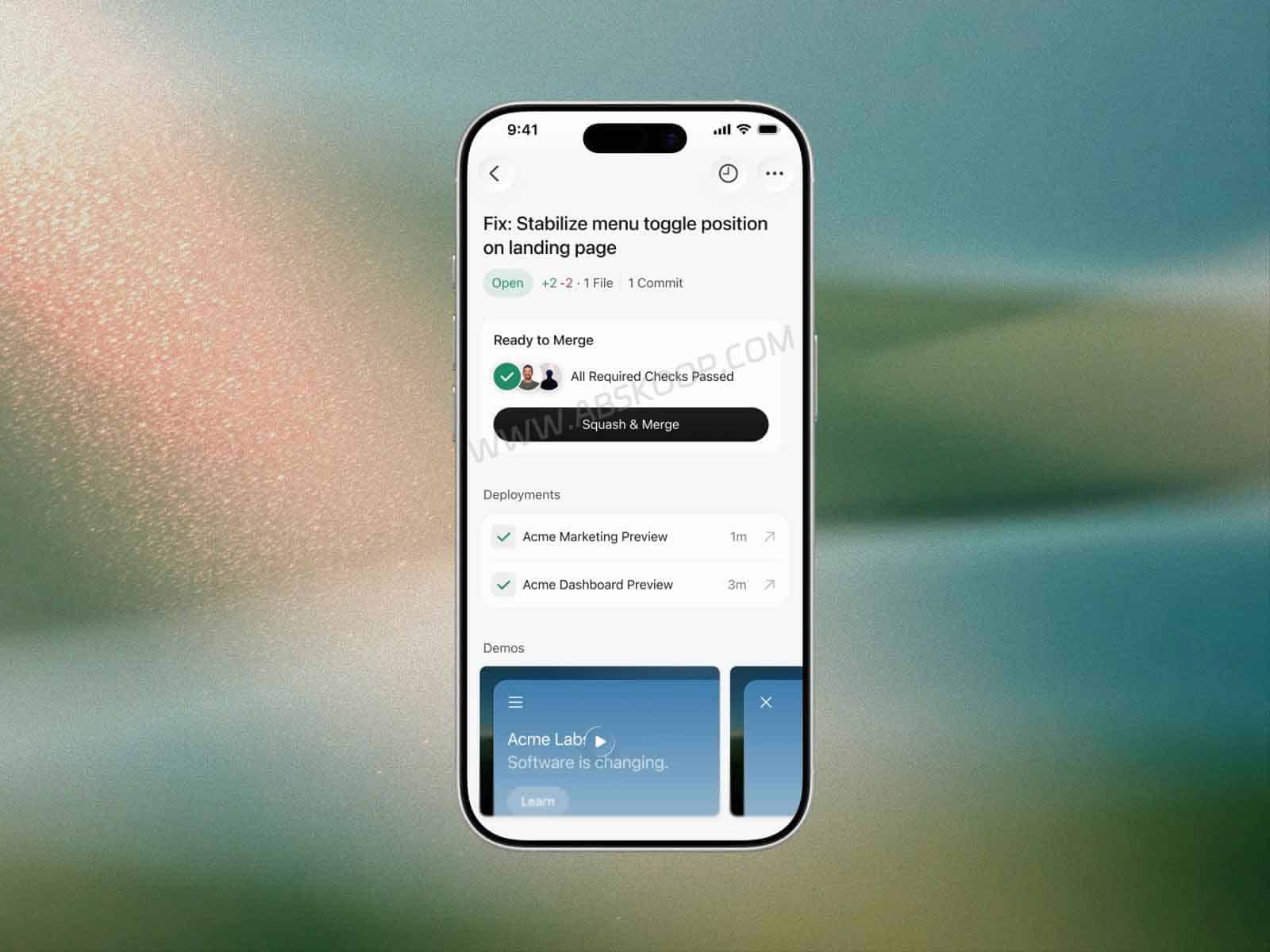
Cursor Origin is Cursor’s Git code hosting and collaboration system. It launched in Early Beta in August 2026 and allows developers to create Git repositories, manage code, and work with pull requests directly inside Cursor.
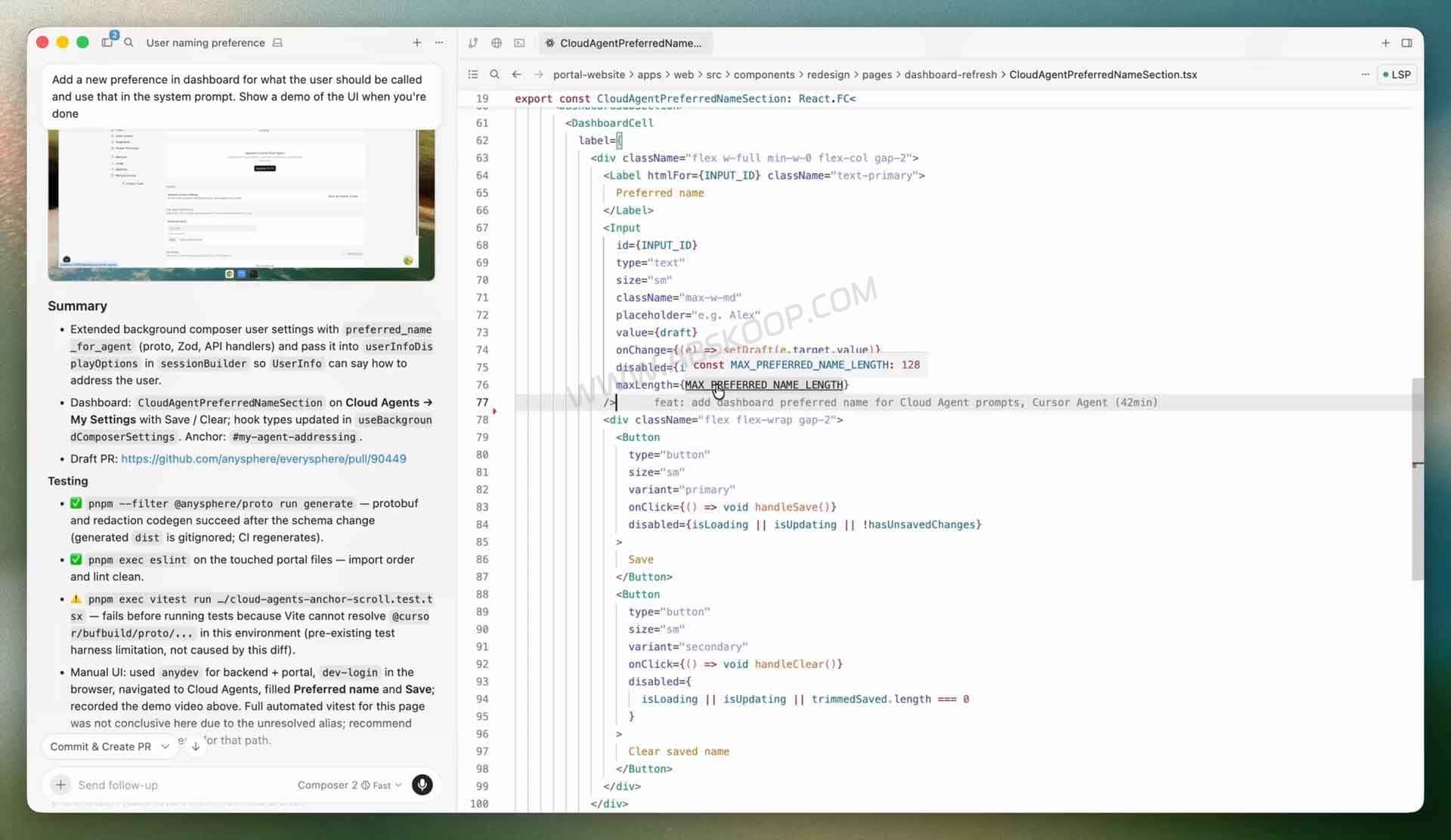
Cursor describes Origin as its own Git forge. In practical terms, it adds repository hosting and pull request workflows to a product that previously focused primarily on code editing and AI Agents.
The Origin Early Beta currently supports:
- Creating Git repositories hosted by Cursor Origin;
- Using standard Git operations such as clone, push, and pull;
- Browsing and searching repository code;
- Creating, viewing, reviewing, and merging pull requests;
- Synchronizing existing GitHub repositories with Origin;
- Connecting Cloud Agents and automated workflows to Origin repositories;
- Integrating with third-party development services such as Vercel, Depot, and Buildkite.
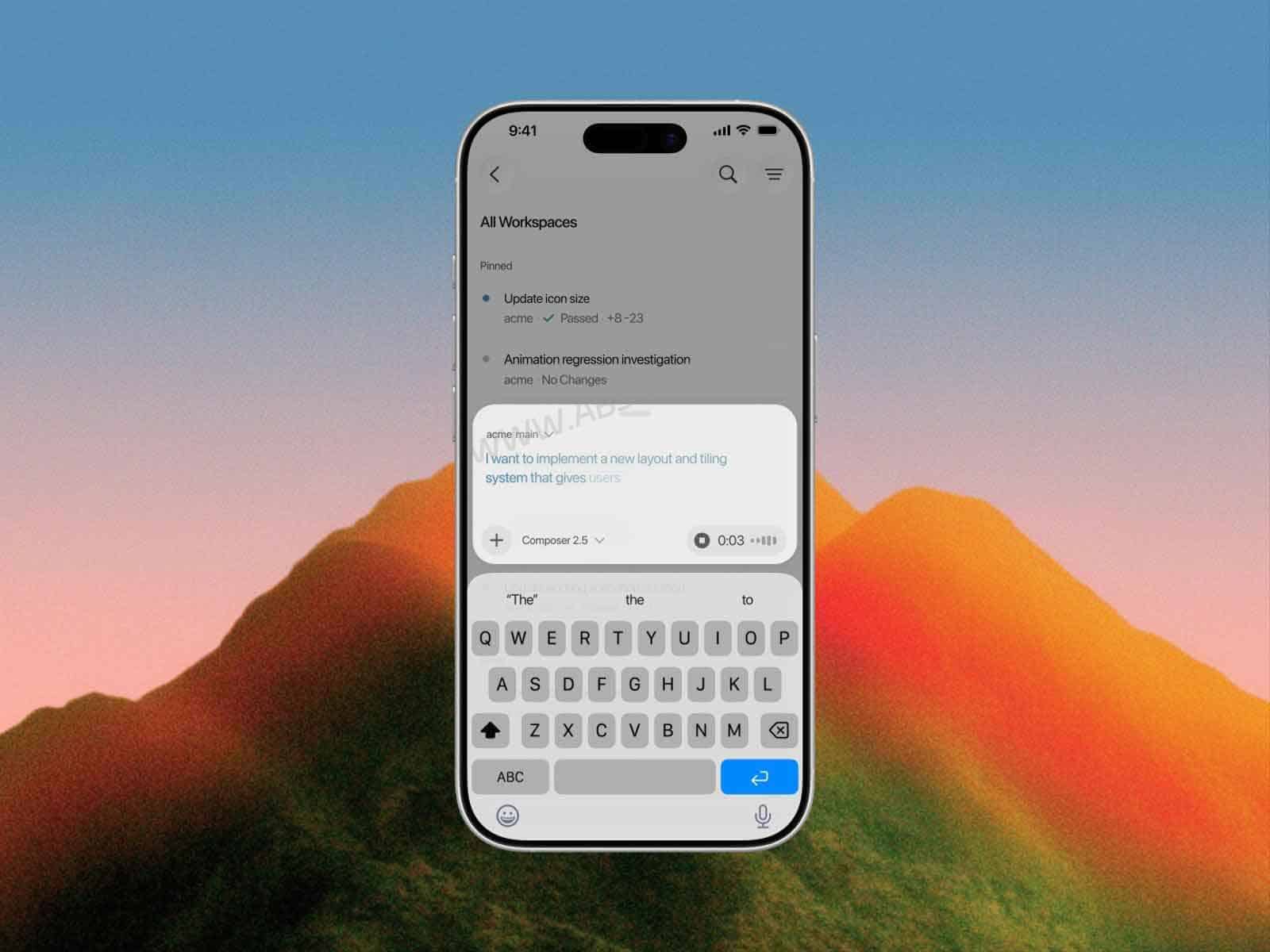
With Origin, repositories, pull requests, and Cursor Agents can operate inside the same development environment. While browsing a repository, developers can ask questions about the code, instruct an Agent to modify files, update a pull request, or push a new branch.

Origin is still an Early Beta product. Its feature maturity, third-party ecosystem, and team collaboration capabilities should not yet be treated as equivalent to established platforms such as GitHub or GitLab.
For developers already using Cursor Agents, its more immediate benefit is reducing context switching between the editor, repository management, and pull request workflows.
Cursor Origin vs GitHub: What Is the Difference?
Cursor Origin can either host a Git repository directly or synchronize an existing GitHub repository. The main difference is where the original repository lives.
| Repository Type | Where Code Is Hosted | Main Workflow |
|---|---|---|
| Origin-native repository | Cursor Origin | Clone, push, pull, and manage pull requests directly through Origin |
| GitHub Sync repository | GitHub | Sync code into Origin for browsing, search, Agents, and pull request workflows |
An Origin-native repository is hosted by Cursor itself. A GitHub Sync repository continues to use GitHub as its primary repository.
That distinction matters for teams that already have existing GitHub infrastructure and do not want to migrate their projects simply to use Cursor’s Agent and review features.
What Does Cursor GitHub Sync Actually Synchronize?
Before enabling GitHub Sync, the Cursor GitHub App must be connected, and the user enabling synchronization needs GitHub Admin permissions for the relevant repository.
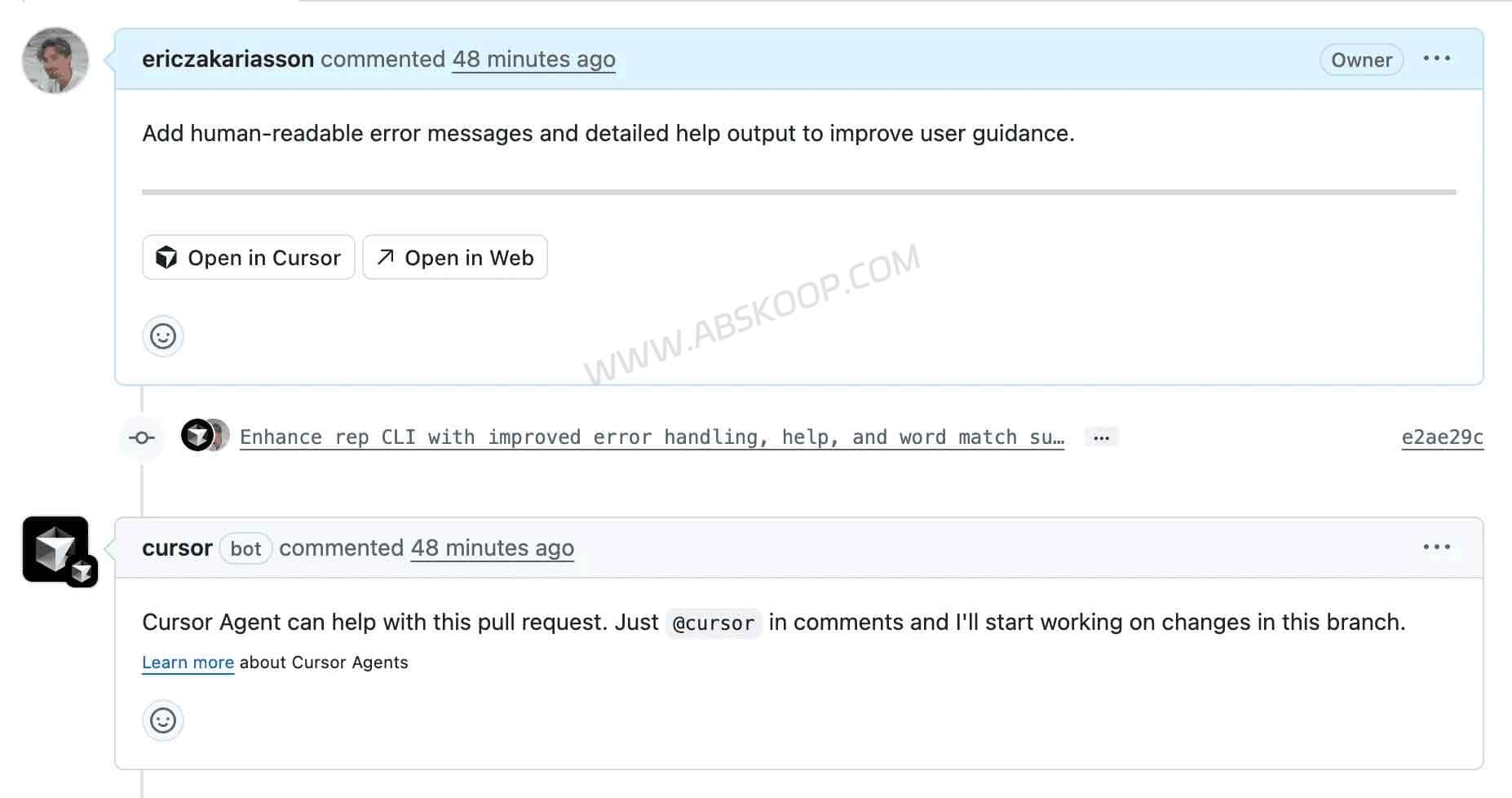
Origin can synchronize:
- Git history;
- Branches;
- Tags;
- Repository code;
- Pull requests.
However, GitHub Issues, GitHub Actions workflows, and Secrets are not currently synchronized. Teams still need to manage those parts of their workflow in GitHub.
For a synchronized repository, GitHub remains the source of truth. Developers can browse, search, and pull synchronized code through Origin, while pushes continue to go back to the original GitHub repository.
Pull request discussions and reviews can also move between the two platforms. Comments left on a GitHub pull request through Cursor can appear back on GitHub, while replies and reactions made on GitHub can be surfaced inside Cursor.
Review requests assigned through GitHub can also be accessed from Cursor, allowing developers to inspect changes and perform code reviews without switching back to GitHub for every step.
This means GitHub Sync does not require migrating an existing GitHub repository to Cursor Origin. Teams can keep GitHub as their primary hosting platform while using Cursor for Agents, repository search, and pull request review.
How Cursor Origin Works With Agents, Pull Requests, and CI
Origin is more than a new place to store Git repositories. Its main role is connecting Cursor’s existing Agent capabilities with repository and pull request workflows.
A typical workflow can now cover more of the development lifecycle inside Cursor:
Understand code → Modify code → Create branch → Pull request → Review → Test → Merge
Inside an Origin repository, an Agent can read project context, modify files, push branches, or update an existing pull request.
The pull request interface can surface commits, diffs, comments, and available check results, making it easier to review Agent-generated changes before merging them.
Origin currently integrates with services including Vercel, Depot, and Buildkite.
With Vercel connected, a pull request can trigger a preview deployment. Depot and Buildkite can participate in CI workflows, while Buildkite can continue running its own pipelines.
These integrations allow Cursor to cover more of the workflow beyond code editing, but Origin is not a complete standalone CI/CD platform. Existing build, test, deployment, and infrastructure systems can continue to handle those responsibilities.
Cursor Cloud Agents vs Local Agents
| Comparison | Local Agent | Cloud Agents |
|---|---|---|
| Execution environment | Current local development environment | Remote development environment |
| Best suited for | Immediate edits, debugging, and code exploration | Long-running tasks, parallel work, testing, and pull requests |
| Uses the local workspace | Yes | No |
| Running tests | Uses the local environment | Runs inside a configured remote environment |
| Parallel tasks | More limited | Better suited to running multiple tasks concurrently |
A local Agent is usually better when the developer is actively working at the computer and wants to inspect code changes, terminal output, and diffs immediately.
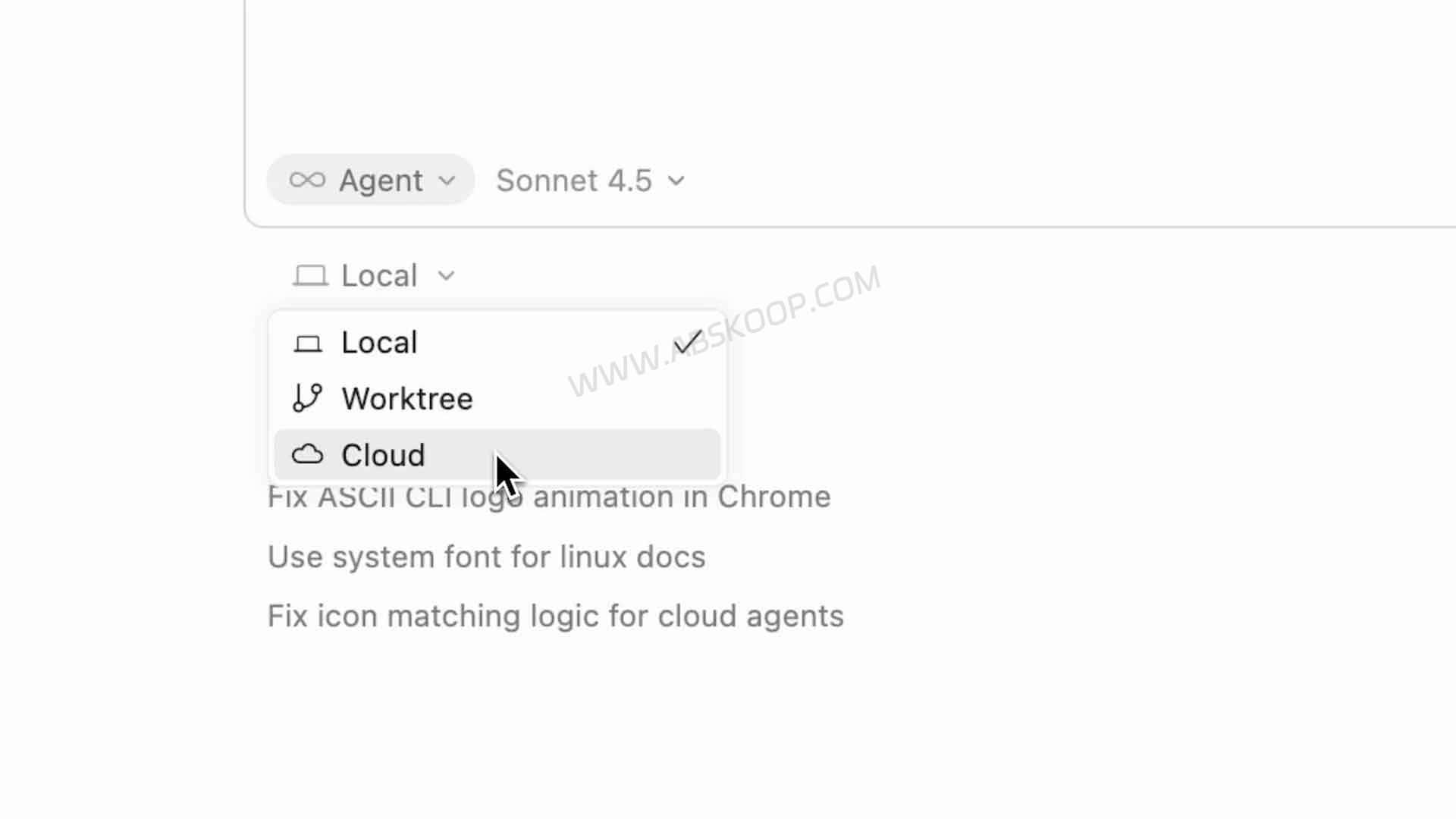
Cloud Agents are better suited to relatively independent or time-consuming work. Each Cloud Agent can use its own development environment and branch, complete code changes and tests remotely, and return the result for developer review.
Common use cases include:
- Fixing a clearly defined bug;
- Adding or improving tests;
- Investigating CI failures;
- Implementing an isolated feature;
- Exploring an unfamiliar codebase;
- Running several development tasks in parallel.
Cursor also offers Self-hosted Cloud Agents, allowing organizations to keep repositories, tool execution, and build processes inside their own infrastructure.
This does not mean the entire Cursor Agent runs locally. According to Cursor’s architecture, Agent reasoning and planning are still handled by Cursor’s cloud-based Agent harness. Required tool calls are then sent to workers operating inside the organization’s environment.
For companies that need source code, build artifacts, internal services, or network resources to remain inside infrastructure they control, this model provides more deployment control than standard Cloud Agents.
Which AI Models Does Cursor Support?
Cursor supports AI models from providers including OpenAI, Anthropic, Google, and xAI, along with Cursor’s own models and an Auto model-selection option.
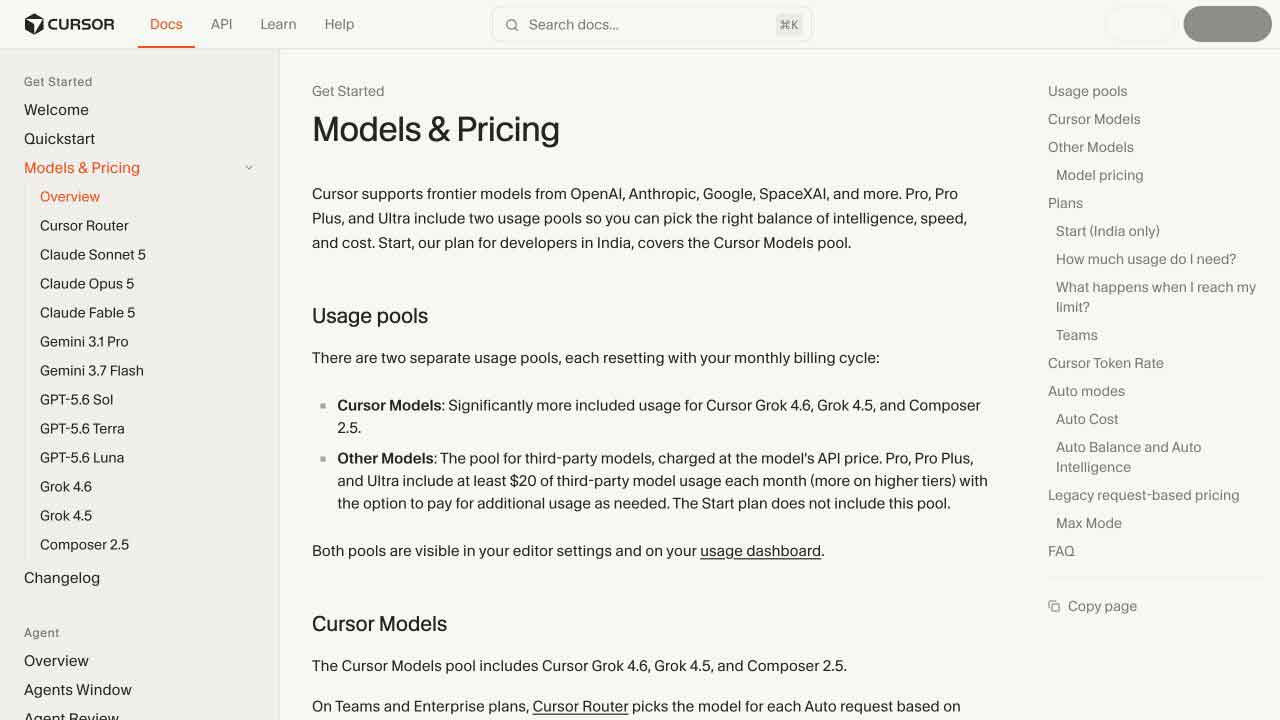
Developers can switch models depending on the task, including code generation, complex reasoning, context requirements, latency, and usage cost.
Cursor’s supported model lineup changes over time, so the exact models and context windows available should be checked in the current Cursor client or official model documentation.
Can You Use Your Own API Key With Cursor?
Yes, for supported models and providers. Cursor currently allows users to configure API keys from providers including OpenAI, Anthropic, Google, Azure OpenAI, and AWS Bedrock.
However, using your own API key does not mean every Cursor AI feature uses that key.
BYOK mainly applies to supported standard chat models. Features that rely on Cursor-specific models or infrastructure, including capabilities such as Tab Completion, may continue to use Cursor’s own services.
Using a personal API key also does not necessarily mean requests bypass Cursor’s backend. Cursor states that the final prompt is still constructed through its backend before being sent to the selected model provider.
Developers primarily interested in BYOK should therefore confirm which models support external API keys and which Cursor features still depend on Cursor-managed infrastructure.
Is Cursor Free? Cursor Pricing Explained
Cursor offers a free Hobby plan that does not require a credit card, although Agent requests and some advanced features are subject to usage limits.
As of August 2026, the Individual Pro plan starts at $20 per month, while Teams Standard starts at $40 per user per month.
Individual users can also choose higher-tier plans such as Pro+ and Ultra, while organizations have additional Teams and Enterprise options.
The main differences between plans involve Agent usage, model access, usage allowances, and team administration features. Monthly and annual billing may also differ, so current prices should be confirmed on Cursor’s official pricing page.
Is Cursor Origin Available on the Free Plan?
No, not currently. Cursor Origin is available to paid plans including Pro, Teams, and Enterprise. The Hobby free plan does not currently include Origin Code Storage.
Teams still using Legacy Privacy Mode also cannot enable Origin until they move to the newer Privacy Mode.
Origin began rolling out as an Early Beta on August 17, 2026. Because access is being introduced gradually, some users with eligible paid subscriptions may still not see the feature immediately.
Enterprise administrators can also disable Origin through organization-level settings.
How Does Cursor Handle Code and Data Privacy?
Cursor is not a fully offline AI code editor. Features such as model inference, codebase indexing, and Cloud Agents can involve Cursor’s cloud infrastructure, and data handling depends on which features are being used.
Cursor provides a Privacy Mode. When enabled, Cursor states that the associated code and prompt data will not be used to train its own models and that model providers are restricted from using the data for training.
Origin repositories inherit the Privacy Mode configuration of the individual or team namespace that owns them.
Privacy Mode primarily affects how data may be used for model training. It should not be interpreted as meaning that all code processing happens locally.
For example, Cursor’s codebase indexing can upload code snippets to generate embeddings. Cursor states that plaintext code used to calculate embeddings is not retained long term, although embeddings, hashes, and indexing metadata such as obfuscated file paths may remain stored.
Cloud Agents involve a different data path from local Agents because their tasks execute inside remote development environments. Code, dependencies, and the Agent’s execution environment therefore need to be available within the relevant cloud infrastructure.
For companies working with internal repositories, production code, credentials, or sensitive systems, privacy evaluation should focus on the exact features being enabled:
- Whether codebase indexing is enabled;
- Whether Cloud Agents are being used;
- Which commands, tools, and network resources Agents can access;
- Which third-party model providers receive project context;
- Whether self-hosted Agent infrastructure is required.
Privacy Mode can reduce some data-use concerns, but it should not be treated as equivalent to fully local or offline AI development.
Who Is the Cursor AI Coding Tool Best For?
Cursor is most useful for developers who already rely heavily on AI for software development and want an Agent to work directly with repositories, files, terminal commands, tests, and pull requests.
Typical users include:
- Developers working with large codebases: Cursor Agents can search project context and make coordinated changes across multiple files.
- Independent developers: Code changes, testing, Agent tasks, and parts of the pull request workflow can be managed from one environment.
- Developers already using GitHub: GitHub Sync allows existing repositories to connect to Cursor without migrating the primary repository.
- Teams maintaining several projects: Cloud Agents can run relatively independent development tasks in parallel.
- Teams integrating AI into existing workflows: Cursor can work alongside GitHub, pull request review, CI systems, and other development services.
- Organizations with internal infrastructure requirements: Self-hosted Cloud Agents and enterprise controls may provide additional deployment flexibility.
If you only use AI occasionally to explain code, generate a function, or edit a small script, a general-purpose AI assistant may already cover much of that workflow. Cursor’s Agents, Cloud Agents, and repository features may be unnecessary for lighter use cases.
Teams with mature GitHub, GitLab, and CI/CD systems also do not need to migrate their repositories simply because Origin is available.
With GitHub Sync, GitHub can remain the source of truth while Cursor is added as an Agent, code search, and pull request review layer on top of the existing development workflow.
Is Cursor Still Just an AI Code Editor?
Cursor still includes the core features expected from an AI code editor, but that label no longer describes the full product particularly well.
Its development direction now centers more heavily on Coding Agents, Cloud Agents, and repository-based development workflows.
With Origin Code Hosting, Cursor has also added Git repository hosting, pull requests, and GitHub synchronization. Origin remains an Early Beta product, so it is better viewed as an extension of the Cursor Agent workflow rather than a mature replacement for GitHub or GitLab.
A more accurate description is that Cursor is now an Agent-first AI coding tool.
Instead of only generating code snippets, its AI can participate in repository search, multi-file editing, testing, pull requests, code review, and remote development tasks.
For developers already using AI heavily in software development, that shift from an AI-assisted editor to an Agent-based development environment is one of the biggest differences between today’s Cursor and its earlier versions.
Cursor Official Website and Documentation
🌐 Cursor Official Website
See the latest Cursor features and download the desktop client.
📖 Cursor Documentation
Documentation for Agents, Cloud Agents, models, CLI tools, and integrations.
💳 Cursor Pricing
Check current Individual, Teams, and Enterprise plans and billing options.
🔐 Cursor Security
Review Privacy Mode, security controls, and Cursor’s data handling documentation.
This article is based on Cursor’s official documentation, pricing information, security documentation, and the Origin Code Hosting update published on August 17, 2026. Cursor Origin remains in Early Beta, so features, availability, integrations, and plan requirements may change. Check Cursor’s official documentation for the latest details.


Comments (0)