



If you’re trying to figure out how to play M3U8 files, you usually don’t need a complicated setup. For a single M3U or M3U8 file or stream URL, VLC works well on most platforms. Windows users can also use PotPlayer, while IINA is a good fit on macOS.
The part that causes confusion is that M3U and M3U8 do not always describe the same kind of playlist. One file may contain a long list of media URLs, while another .m3u8 file may be an HLS manifest for a single live or on-demand stream. Knowing which one you have makes choosing a player and troubleshooting playback much easier.
What’s the Difference Between M3U and M3U8?
M3U is a text-based playlist format. Instead of storing the actual video or audio, it normally contains one or more local file paths, media URLs or stream addresses.
M3U8 is also a playlist format, but it uses UTF-8 encoding. It is also the standard playlist extension commonly used by HLS, or HTTP Live Streaming.
In practice, you’ll usually run into two different cases:
- Regular M3U/M3U8 playlists: these can contain many audio files, videos or stream URLs in one list.
- HLS M3U8 manifests: these usually describe a specific video or live stream and may point to different quality variants or individual media segments.
A very simple M3U playlist might look like this:
#EXTM3U
#EXTINF:-1,Example
HLS playlists often contain tags such as #EXT-X-STREAM-INF or #EXT-X-TARGETDURATION. These #EXT-X- tags are a useful clue that you’re looking at an HLS manifest rather than a basic media playlist.
The file extension is not always enough to tell the difference. A URL can return an HLS playlist even when .m3u8 does not appear at the end of the address.
Which M3U8 Player Should You Use?
If you only need to open the occasional M3U8 URL, a general media player is usually enough. VLC, IINA and PotPlayer can handle the common case without turning a simple playback job into a larger setup.
Dedicated playlist apps make more sense when you’re managing a large M3U playlist and want features such as groups, favorites, EPG data or syncing across devices.
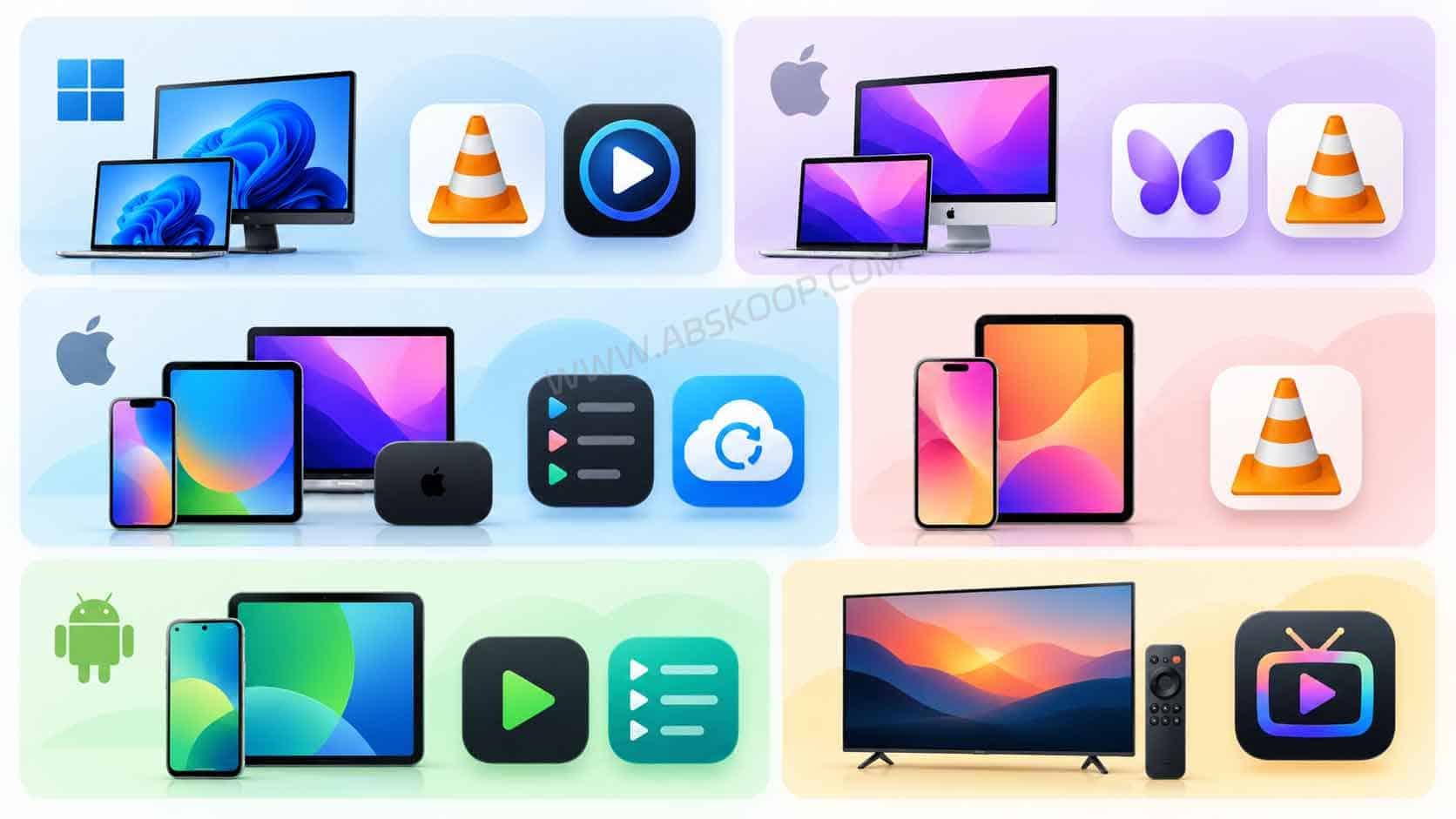
| Platform | Player | Best for |
|---|---|---|
| Windows | VLC | Opening M3U/M3U8 files and HLS stream URLs |
| Windows | PotPlayer | More control over codecs, subtitles and playback settings |
| macOS | IINA | A native-feeling Mac player for local files and streams |
| macOS | VLC | Using the same player across desktop and mobile devices |
| Apple ecosystem | APTV | Large M3U playlists, EPG, organization and iCloud sync |
| iPhone / iPad / Apple TV | IPTVX | Multiple playlists, EPG, favorites and Apple device sync |
| iPhone / iPad | VLC | Opening a local file or a single M3U8 stream URL |
| Android phone / tablet | Televizo | Multiple playlists, EPG, favorites and Chromecast |
| Android | VLC | Simple M3U/M3U8 file and network stream playback |
| Android TV / Google TV | TiviMate | Large playlists, EPG and remote-friendly TV navigation |
For a single M3U8 stream, start with VLC, IINA or PotPlayer. If you regularly manage a large playlist, apps such as APTV, IPTVX, Televizo or TiviMate offer better playlist organization.
TiviMate is mainly designed for Android TV and remote-control navigation rather than phone and tablet touchscreens. On Android mobile devices, VLC or Televizo is usually a better fit.
How to Play M3U8 Files on Windows
VLC is the easiest place to start on Windows. A local .m3u or .m3u8 file can be dragged directly into the player. For an HTTP or HTTPS stream URL, open Media → Open Network Stream and paste the full address.
VLC official site: VideoLAN VLC
If VLC recognizes the URL but gives you a black screen, audio without video or a decoding error, try the same address in PotPlayer. If both players fail, the problem is more likely to be the URL, access restrictions, codec support or the remote server than VLC itself.
How to Play M3U8 Files on Mac
IINA is a good choice on macOS because it feels more at home on the Mac than many cross-platform players.
You can drag a local M3U or M3U8 file directly into IINA. For a network stream, use Open URL and paste the M3U8 address.
IINA is powered by mpv and supports both local media and network streams, including HTTP and HLS.
IINA official site: iina.io
If you already use VLC on Windows or mobile, there is no real need to install another player just for M3U8. VLC can open local playlists and network streams on macOS as well.
How to Play M3U8 Files on iPhone and iPad
Safari can play many standard HLS streams directly, so some M3U8 URLs will open without installing another app.
That does not make Safari a good playlist manager. It works better for opening an individual HLS stream than for handling a large M3U playlist with many entries.
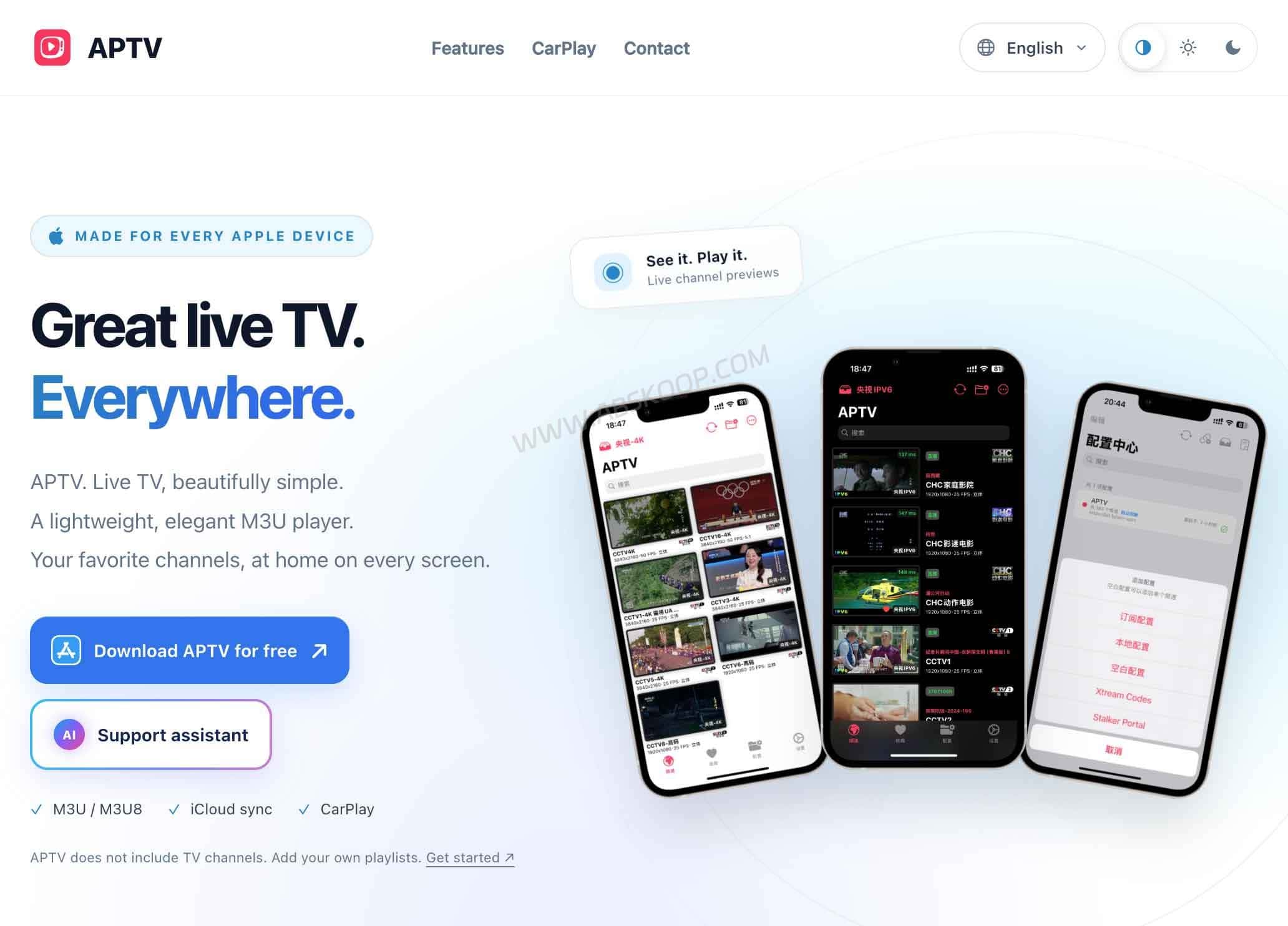
For the occasional local file or M3U8 URL, VLC is enough. If you want to organize larger playlists, favorites or EPG data across Apple devices, an app such as APTV is a better fit.
APTV supports iPhone, iPad, Mac and Apple TV, along with M3U playlists, HLS, EPG data and iCloud sync.
How to Play M3U8 Files on Android
For a single M3U8 URL, VLC is usually all you need on Android. It can open both local M3U/M3U8 files and network streams.
Televizo is more useful when you’re working with larger playlists. It supports multiple playlists, EPG data, favorites, search and Chromecast.
Don’t use browser playback as the only test of whether an M3U8 URL works. HLS support can vary between browsers, Android versions and server configurations.
If a stream fails in the browser but works in VLC or Televizo, the URL itself may be fine. The difference can simply come down to browser support or how the server delivers the stream.
M3U8 Won’t Play? Common Causes and Fixes
| What you see | Likely cause | What to check |
|---|---|---|
| Loading never finishes | Dead URL or network connection problem | Try another network or player |
| HTTP 401 or 403 | Authentication, token, cookie or Referer required | Check whether the URL has expired or requires authorization |
| Audio but no video | Unsupported video codec or decoding problem | Try VLC, PotPlayer or IINA |
| Playlist opens but some entries fail | Some media URLs inside the playlist are dead | Test the affected URL separately |
| Works in a player but not a browser | HLS, CORS or browser compatibility issue | Use a local media player |
| Worked yesterday but not today | Expired token or signed URL | Get a fresh authorized URL |
M3U8 URLs with Tokens and Authentication Parameters
Some M3U8 URLs include a token, signature, user identifier or expiration time in the query string. In that case, the URL is more than a simple media address. It can also act as a temporary access credential.
Avoid pasting private or signed M3U8 URLs into random online players or public websites. If the address contains account information or authentication parameters, using a trusted local player such as VLC or IINA keeps the URL on your own device instead of handing it to another service.
M3U8 FAQ
Is an M3U8 file a video file?
Usually not. An M3U8 file is a text-based playlist. In HLS, it points to another media playlist, different stream variants or the media segments needed for playback.
Can VLC play M3U8 files?
Yes. VLC can open many local M3U8 files and HLS stream URLs. Playback can still fail if the URL has expired, requires authentication, uses an unsupported codec or is blocked by the server.
What’s the difference between M3U and M3U8?
Both are playlist formats. M3U8 uses UTF-8 encoding and is widely used for HLS streaming, while M3U is the more general playlist format.
Can I open an M3U8 URL in a browser?
Sometimes. Safari has native support for standard HLS playback, while support in other browsers depends on the browser, the website and how the stream is delivered. A URL that does not play directly in a browser may still work in VLC or another HLS-capable player.
Why did an M3U8 URL suddenly stop working?
The address may have changed, the server may be offline, a token may have expired, or the stream may now require different authorization or network conditions. A failed stream does not automatically mean the player is broken.


Comments (0)