



AI Faceswap is desktop AI face swap software for Windows and Mac. It can process photos locally and supports batch face swapping, GPU acceleration and more detailed face editing.
As of October 2026, the latest desktop release is version 2.7.3. The desktop app uses a one-time payment model, while a separate free web version is also available.
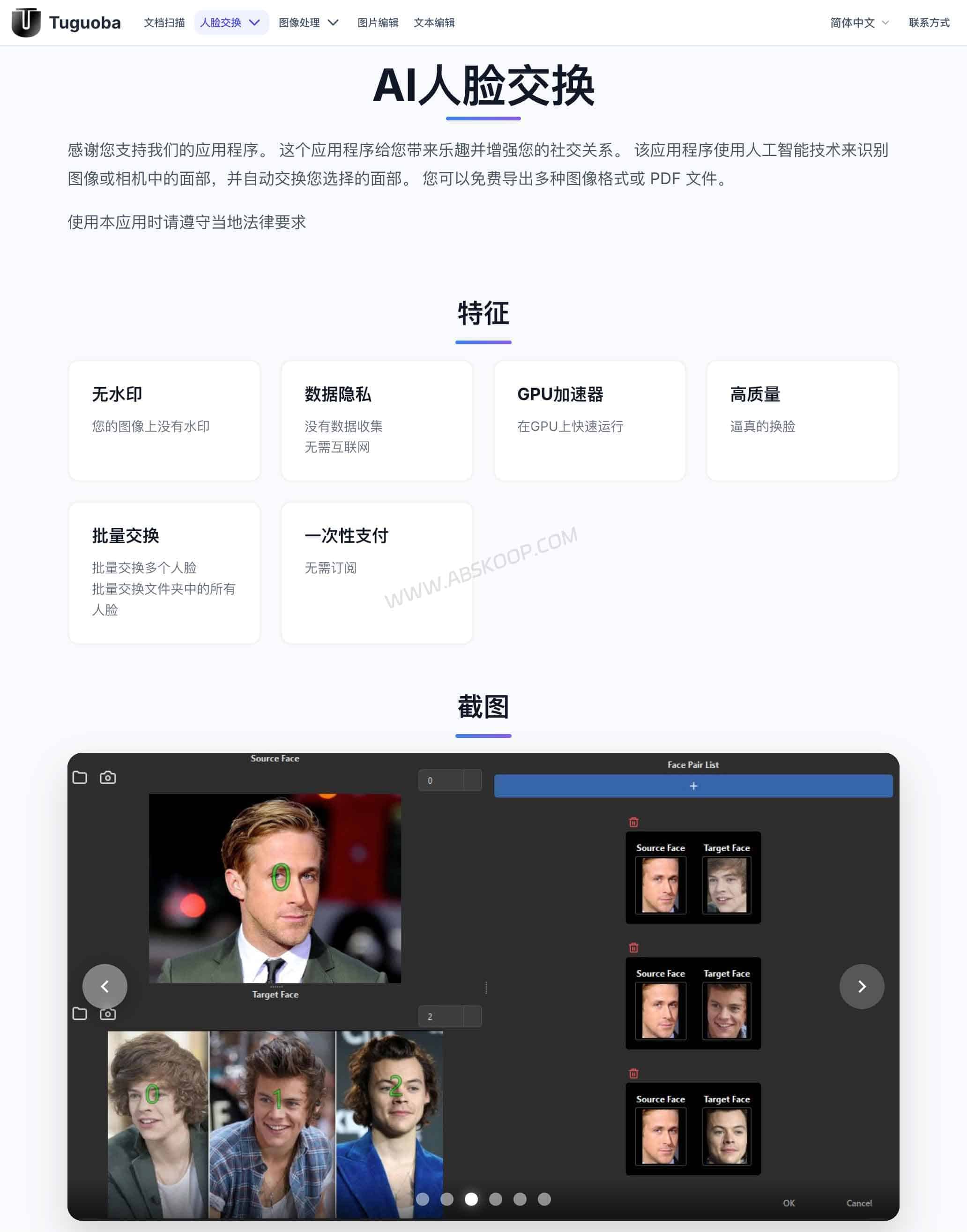
What is AI Faceswap AI face swap software?
AI Faceswap is a desktop app for replacing faces in photos. You choose a source face and a target face, and the software handles the detection and replacement.
It is available for both Windows and macOS. Compared with browser-based face swap tools, the desktop version focuses more on local processing, batch jobs and GPU acceleration.
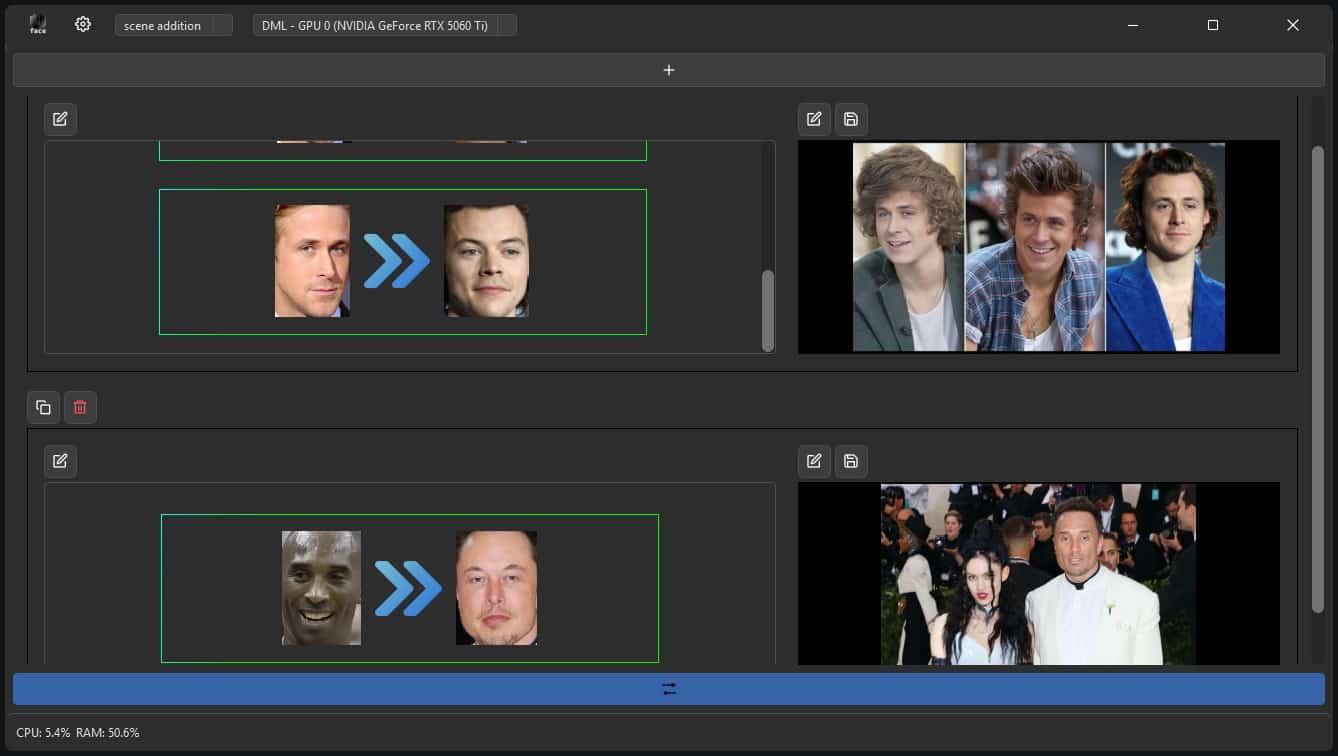
What can AI Faceswap do?
AI Faceswap works with individual photos, but it also supports batch face swapping. You can process multiple images in one job or work with an entire folder instead of loading each photo separately.
Version 2.7.3 also improves batch replacement for specific faces, which is useful when the same person appears across a group of photos.
The app goes beyond full-face replacement. It includes partial face editing and expression controls for details such as eyebrows, smiles and head pose.
Supported image formats include PNG, JPG, JPEG, TIFF, BMP and WebP. Faces can also be captured from a camera, and finished work can be exported as images or PDF files.
Desktop app vs free web version
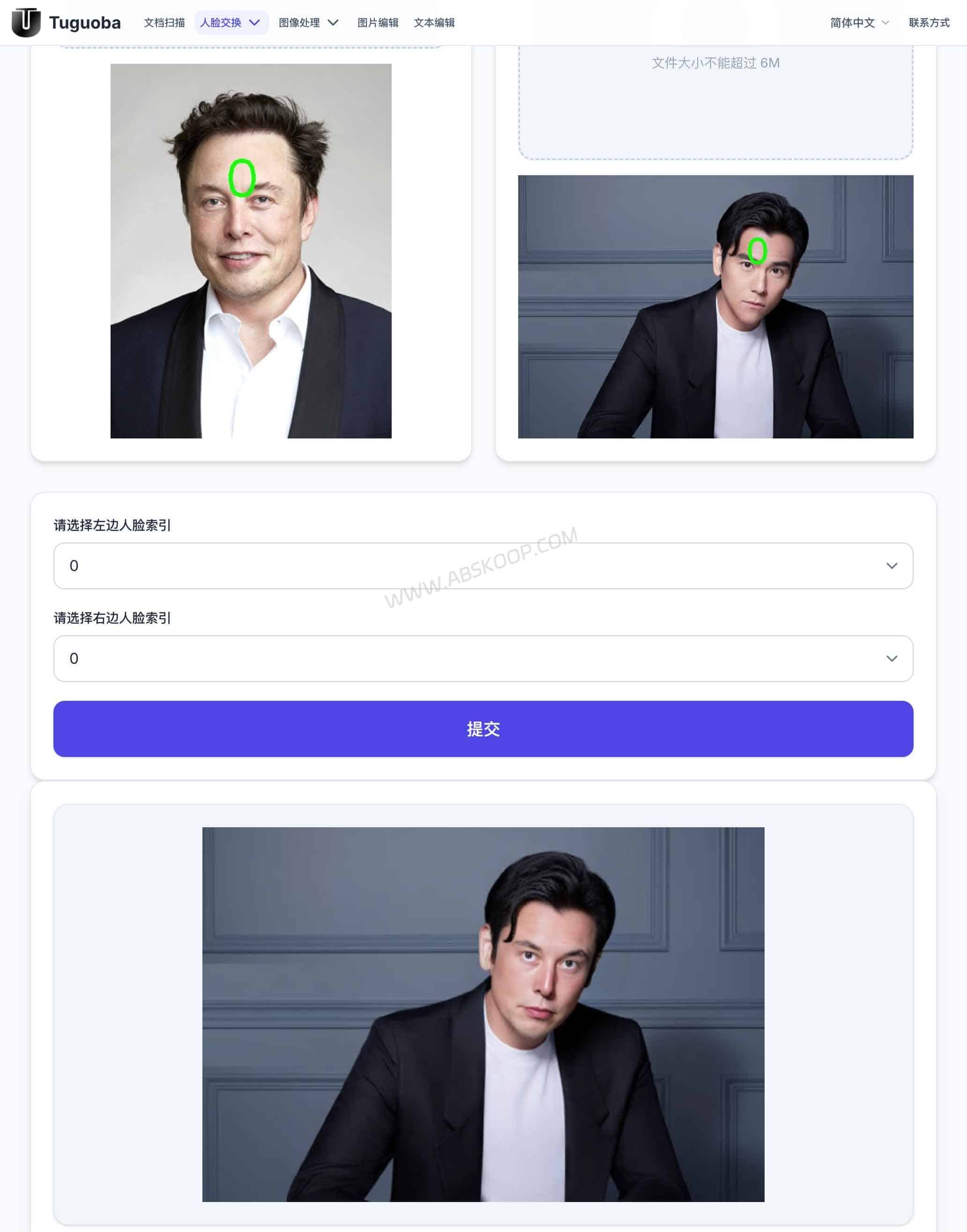
AI Faceswap has both a free browser version and a paid desktop app. The main difference is where the images are processed.
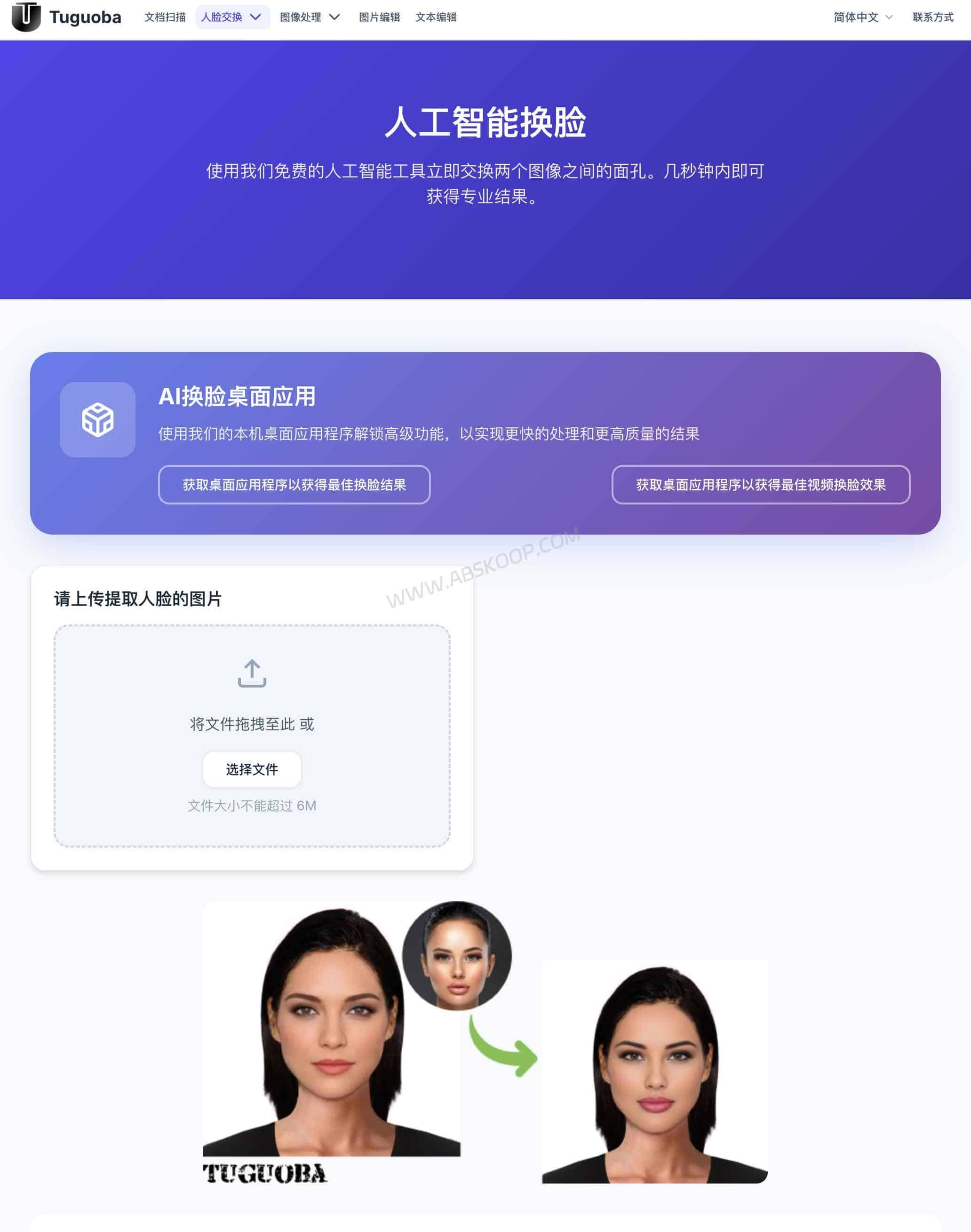
The web version requires no installation. Upload two images and the face swap runs through the online service. Individual files are currently limited to 6MB, so it works well for the occasional quick swap.
The desktop version handles the main processing locally and adds batch face swap and GPU acceleration. The developer describes it as requiring no internet connection for normal processing and states that it does not collect processing data.
For one or two casual photos, the web version is simpler. The desktop app makes more sense if you process images regularly, need batch jobs or prefer not to upload every photo to a website.
Windows and Mac system requirements
| Platform | Requirement |
|---|---|
| Windows | Windows 10 or later |
| Processor | Intel Core i7 or AMD Ryzen 7 |
| Memory | 8GB RAM |
| Storage | 512GB HDD recommended |
| macOS | macOS 12.0 or later |
| Mac processor | Apple M1 or later |
The Windows version is available with CUDA or DML acceleration, while the macOS version uses Core ML. Intel Macs are not currently listed as supported.
The installers are roughly 1.6–1.9GB. The Mac and Windows DML packages are around 1.6GB, while the Windows CUDA build is closer to 1.9GB.
Windows N and KN editions also require the Media Feature Pack.
Which languages does AI Faceswap support?
AI Faceswap currently supports English, Simplified Chinese, Traditional Chinese, Japanese, Korean, French, German, Spanish and Portuguese.
Both Simplified and Traditional Chinese interfaces are available.
Is AI Faceswap free?
The desktop version of AI Faceswap is not free. It uses a one-time payment rather than a monthly subscription.
After purchase, updates within the same 2.x major release are included, so moving from 2.7.3 to another 2.x version does not require buying the software again.
A future 3.x major release may require a separate upgrade payment.
Pricing can change, so the current price is best checked on the official product page.
What should you know before using AI Faceswap?
Local processing does not change the basic rules around using someone else’s face.
Use photos you have permission to work with, and avoid creating content that impersonates, deceives or misrepresents another person. ID photos, work documents and other sensitive images also deserve extra care.
Face-swapping tools are better suited to legitimate photo editing, creative work and testing than identity verification or impersonation.
AI Faceswap FAQ
Does AI Faceswap work offline?
Yes. The desktop version can perform normal face-swapping tasks locally without relying on an online face swap service.
Does AI Faceswap work on Intel Macs?
Not according to the current system requirements. The Mac version requires macOS 12.0 or later and an Apple M1 chip or newer.
Does AI Faceswap support video face swapping?
The image version of AI Faceswap is separate from the developer’s AI Video Faceswap product. They are not the same app.
Does AI Faceswap add a watermark?
The desktop version does not add a software watermark to exported face-swapped images.
AI Faceswap official website and download
Desktop version: https://tuguoba.com/faceswap_payment
Free web version: https://tuguoba.com/


Comments (0)