



SaveTik is an online TikTok video downloader that lets you paste a TikTok share link and download the available video or convert it to MP3.
There is no desktop software to install. You can open SaveTik in a browser on iPhone, Android, Windows, or Mac. Its main use cases are downloading TikTok videos without the platform watermark when a clean source is available, and extracting MP3 audio from a TikTok link.
What is SaveTik?
SaveTik, also known as SaveTik.cc, is a browser-based tool for downloading TikTok videos and converting TikTok links to MP3.
You do not need to upload the video file yourself. Copy the original TikTok share link, paste it into SaveTik, and let the site parse the media attached to that URL.
One thing is worth making clear: “without watermark” does not mean SaveTik edits the video frame and erases logos.
It tries to retrieve a cleaner source file when one is available. If a creator has already added text, a logo, subtitles, or another watermark directly into the video itself, a link-based downloader cannot simply remove it.
What can you download with SaveTik?
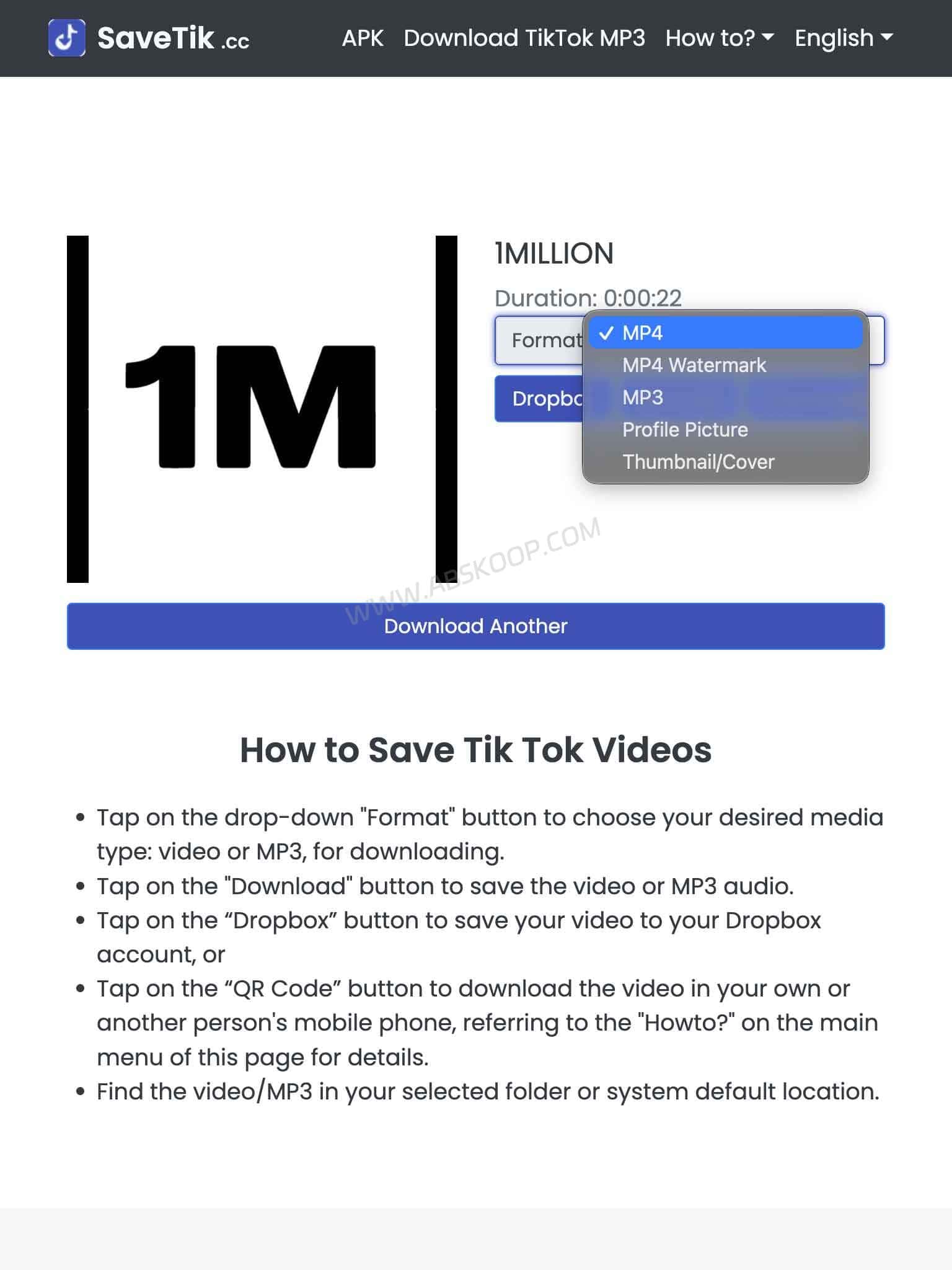
SaveTik mainly focuses on two things: TikTok video downloads and TikTok MP3 conversion.
TikTok videos: Paste a TikTok share link and SaveTik will try to find the corresponding video file.
TikTok videos without watermark: If a clean source video is available, SaveTik may offer that version for download.
TikTok MP3: If you only need the audio, the same TikTok link can be used to create an MP3 download.
The site also provides options such as QR-code access, which can be handy when moving between a desktop browser and a phone.
How to download TikTok videos with SaveTik
1. Copy the TikTok video link
Open TikTok, find the video you want to save, tap Share, and copy the video link.
2. Paste the link into SaveTik
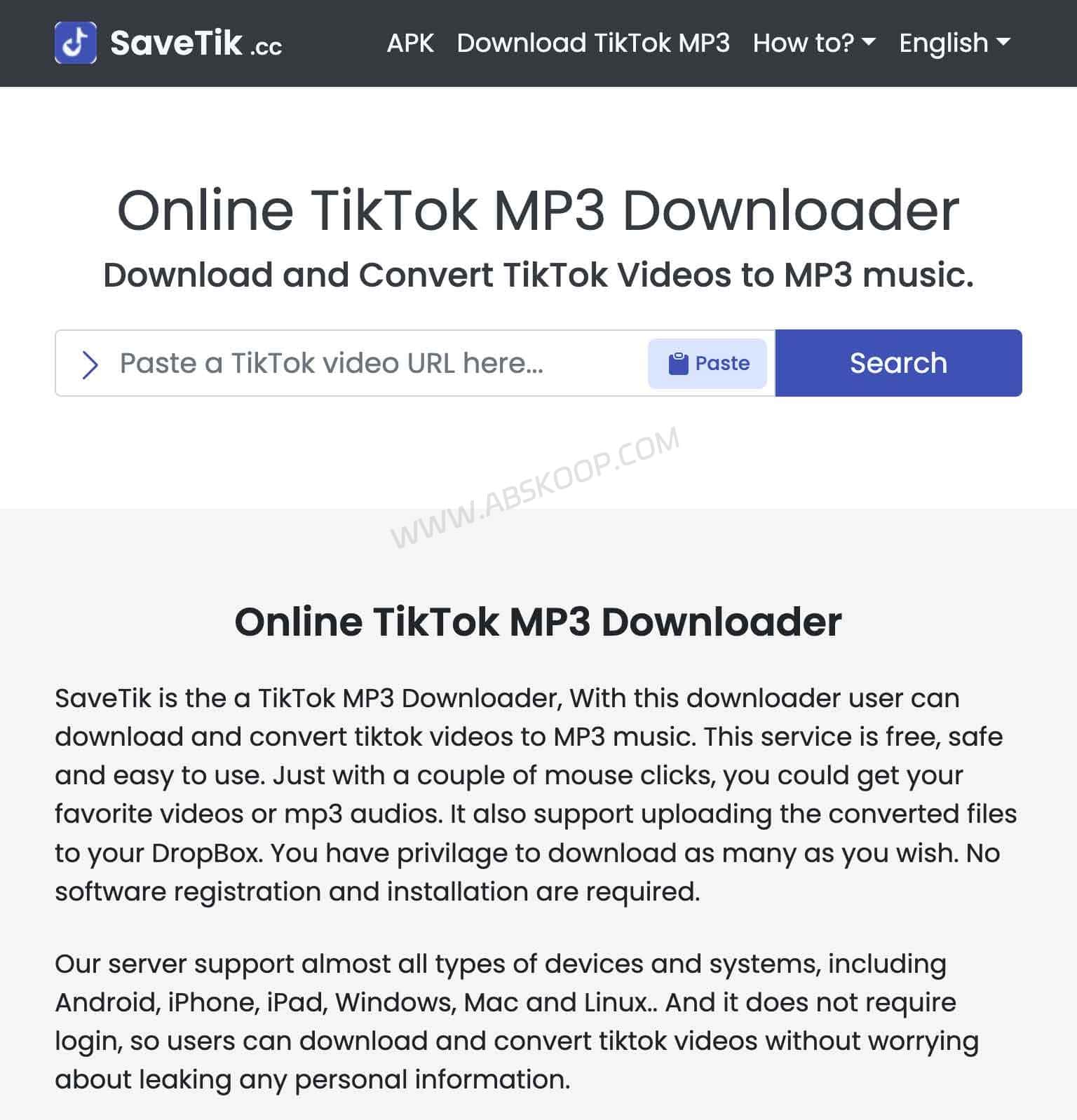
Open SaveTik in your browser, paste the TikTok URL into the input box, and start the search.
Sometimes TikTok copies a full share message instead of a clean URL. SaveTik may still recognize it. If it does not, keep only the actual TikTok link and try again.
3. Choose the available download
Once the link has been parsed, SaveTik will show the media it can retrieve. Choose the available video option and save the file to your phone or computer.
Whether a no-watermark version is available depends on the source returned for that specific TikTok video.
How to convert TikTok to MP3 with SaveTik
If you only want the audio from a TikTok video, SaveTik also works as a TikTok to MP3 converter.
Copy the TikTok video URL, paste it into SaveTik, let the site process the link, and choose the MP3 option instead of the video download.
This can be useful for saving audio from your own videos, voice recordings, or other material you have permission to use.
The final MP3 quality still depends on the original video. Converting a low-quality TikTok audio track to MP3 will not make the source sound better.
Is SaveTik free?
SaveTik currently offers its web downloader for free, with no fixed download limit listed for video or MP3 downloads.
That can change over time, though. SaveTik is a third-party web service, so any future limits, format changes, or access rules should be checked on the site itself.
For downloading a few TikTok videos from time to time, the browser version is usually enough. It is less convenient if you need to process a large number of links every day, since the workflow is still built around individual URLs.
Does SaveTik work on iPhone?
Yes. SaveTik works in Safari on iPhone and iPad, so you do not need a desktop app just to use the web downloader.
On iPhone, a downloaded video may first appear in the Files app instead of Photos. If that happens, open the downloaded file and save it to Photos manually.
Does SaveTik work on Android, Windows and Mac?
Yes. Android users can open SaveTik in Chrome or another browser. SaveTik also offers an Android app, but the web version is simpler if you only download videos occasionally.
Windows and macOS users can use the same browser workflow: copy the TikTok link, paste it into SaveTik, process the URL, and download the available file.
Why is SaveTik not downloading a TikTok video?
A failed download does not always mean SaveTik itself is offline.
The original video may have been deleted, the account may restrict access, the share link may no longer work, or TikTok may have changed the way its links or media requests are handled.
Try copying a fresh link from the original TikTok video. If one video fails but others work, the problem is probably specific to that post. If several public videos fail at the same time, SaveTik may need to update its parser.
Can SaveTik always download TikTok videos without watermark?
No.
SaveTik can only offer a no-watermark version when it is able to retrieve a suitable source video.
If a logo, caption, sticker, or watermark has already been embedded directly into the video image, SaveTik cannot remove it the way a video editor or image-processing tool would.
When is SaveTik useful?
SaveTik is handy for occasional downloads.
If you want to save one of your own TikTok videos, download a clip you have permission to use, or extract MP3 audio from one of your own posts, pasting a link into a browser is quicker than installing another app just for one or two files.
It is less suitable for people who need to process dozens or hundreds of videos at once. SaveTik does not really replace a batch downloader, media library, or automated content workflow.
Is SaveTik an official TikTok tool?
No. SaveTik is a third-party TikTok downloader and is not operated by or affiliated with TikTok.
Only download videos and audio that you have permission to save or reuse. Being able to download a media file does not change the copyright or usage rights attached to the original content.
SaveTik website
SaveTik: https://savetik.cc/en/
SaveTik FAQ
Do I need to install SaveTik?
No. SaveTik can be used directly in a browser on phones and computers.
Can SaveTik download TikTok videos without watermark?
It can when a suitable source video is available. Paste the TikTok share link into SaveTik and check which download options are returned.
Can SaveTik convert TikTok to MP3?
Yes. SaveTik includes a TikTok to MP3 option that can extract audio from a TikTok link and provide it as an MP3 download.
Does SaveTik work on iPhone?
Yes. You can open SaveTik in Safari. The downloaded file may first appear in the Files app before you save it to Photos.
Is SaveTik free?
SaveTik currently offers its web downloader for free and does not list a fixed download limit. The service rules may change, so check the site for the latest terms.
Is SaveTik owned by TikTok?
No. SaveTik is a third-party service and is not an official TikTok product.
What should I do if SaveTik is not working?
Copy a fresh link from the original TikTok post and try again. If several public videos fail, TikTok may have changed its interface and SaveTik may need time to update its parser.


Comments (0)